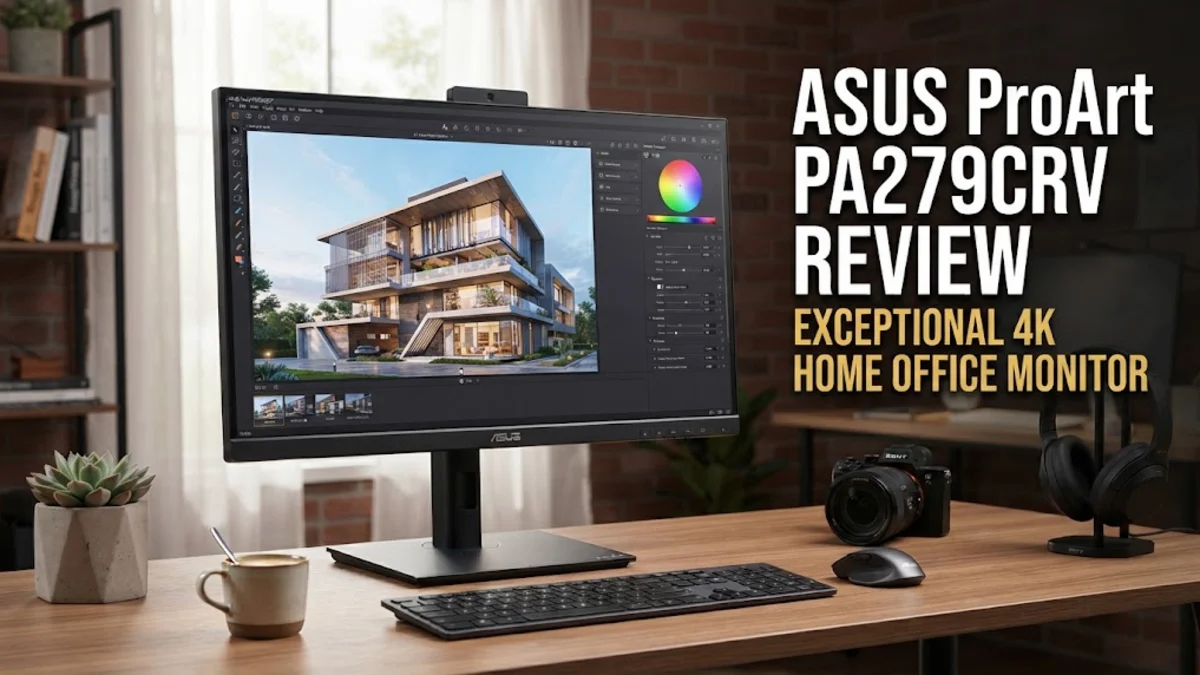
Overview
In modern remote and hybrid office environments, finding a display that balances high-resolution clarity, exacting color representation, and seamless laptop integration is essential. The ASUS ProArt Display PA279CRV targets creative professionals, software engineers, and productivity enthusiasts who require workstation-level visual fidelity without paying exorbitant reference monitor prices. Built around a 27-inch 4K IPS panel, it emphasizes factory-calibrated color accuracy and modern desktop ergonomics.
Compared to mainstream consumer monitors, the ProArt series focuses heavily on color gamut coverage and workflow efficiency. The PA279CRV refines the popular PA279CV platform by slimming down the physical footprint, boosting USB-C power delivery to 96W, and adding wide color coverage across DCI-P3 and Adobe RGB color spaces. Aggregated research across professional tech publications and verified customer feedback indicates that this display stands out as a versatile centerpiece for modern desk setups. In this evaluation, we examine its physical construction, color output, port selection, and real-world day-to-day utility to see if it earns a permanent spot in your office.
Design and Build
ASUS redesigned the PA279CRV chassis with a focus on space efficiency and aesthetic restraint. The monitor body is 30 percent thinner than its predecessor, giving it a streamlined profile that sits comfortably against a wall or monitor arm. The desktop base footprint has been reduced by 33 percent, freeing up valuable desk real estate for documents, keyboards, or external audio gear. Despite the reduced volume, the heavy metal-reinforced base provides excellent stability without noticeable wobble when typing heavily or adjusting height settings.
The display enclosure is crafted from matte gray and black textured plastics that resist fingerprints and blend unobtrusively into professional environments. Ultra-thin bezels on three sides create an immersive viewing area and facilitate dual-monitor configurations without distracting thick frame gaps. Along the bottom bezel, a subtle printed ruler gauge offers a quick visual reference for real-world document measurements, a classic functional hallmark of the ProArt lineup.
Ergonomics are comprehensive and exceptionally smooth in operation. The quick-release stand provides 130 millimeters of height adjustment, a tilt range from -5 to +23 degrees, 30 degrees of swivel in either direction, and a full 90-degree pivot into portrait orientation in both clockwise and counterclockwise directions. Cable management is routed neatly through a dedicated cutout in the stand upright, keeping desktop wiring organized and out of view. For users preferring dynamic arms, standard VESA 100x100mm mounting holes are fully supported.
Key Features and Performance
The standout attribute of the ASUS ProArt PA279CRV is its visual panel performance. Featuring a 3840 x 2160 resolution across a 27-inch diagonal, the display achieves a sharp pixel density of roughly 163 pixels per inch. Text rendering is exceptionally crisp, reducing eye fatigue during long reading or coding sessions, while fine details in photographs and video assets are rendered with extreme clarity.
Color performance is verified at the factory with Calman Certification, guaranteeing a Delta E average of less than 2. Synthesized expert test results reveal that the monitor covers 99 percent of the DCI-P3 color space and 99 percent of Adobe RGB, making it a reliable tool for photo editing, video color grading, and graphic layout work. Users can toggle quickly between calibrated color presets—including sRGB, Rec. 709, DCI-P3, and Adobe RGB—using the physical five-way OSD joystick and hotkey array located discreetly on the bottom-right frame edge.
Connectivity is where the PA279CRV acts as a complete desktop dock. The main highlight is the primary USB-C connection supporting DisplayPort Alt Mode alongside 96 Watts of Power Delivery. This single cable carries video, audio, data pass-through, and enough wattage to keep even demanding 16-inch laptops fully charged under heavy computational workloads. Additional video inputs include two HDMI 2.0 ports and a DisplayPort 1.4 input. Crucially, a DisplayPort-out connector is also included, allowing users to daisy-chain a secondary 4K display directly without running extra video lines to the host computer.
A built-in USB 3.2 Gen 1 hub features three USB Type-A ports and one additional USB Type-C data port. ASUS thoughtfully positioned one USB-A port and one USB-C port on the bottom edge of the frame for rapid access when plugging in flash drives or peripherals. However, audio performance remains a clear weak point: the dual integrated 2-Watt speakers produce thin, tinny sound suitable only for basic system notifications or voice calls, making external desktop speakers or headphones essential for media consumption.
Who It Is For (and Who Should Skip It)
The ASUS ProArt PA279CRV is tailored specifically for knowledge workers, graphic designers, video editors, and photographers who require high color fidelity and clean cable management. Its 96W USB-C power delivery makes it an ideal companion for laptop users who want a single-cable docking experience when sitting down at their desk. Furthermore, users running dual-monitor setups will appreciate the DisplayPort output port for streamlined daisy-chaining without extra hub hardware.
Conversely, competitive gamers and high-framerate gaming enthusiasts should consider alternative options. With a fixed 60 Hz refresh rate and standard pixel response times, the PA279CRV lacks the rapid fluid movement and motion blur reduction necessary for fast-paced action titles. Additionally, while the display carries VESA DisplayHDR 400 certification, its peak brightness of around 350 to 400 nits and lack of full-array local dimming mean HDR content will look flat compared to high-end OLED or Mini-LED alternatives.
Alternatives Worth Considering
If you are exploring competitive models in the 27-inch 4K home office space, several strong alternatives exist depending on your primary priorities:
- Dell UltraSharp U2723QE: This model incorporates IPS Black panel technology, delivering significantly deeper contrast ratios (around 2000:1 compared to standard IPS 1000:1) and a built-in KVM switch, though it offers slightly lower 90W USB-C power delivery and comes at a higher retail price point.
- BenQ DesignVue PD2705U: A popular choice among visual designers featuring an included desktop hotkey puck for fast setting adjustments. However, it provides lower 65W USB-C power delivery and less comprehensive Adobe RGB coverage compared to the PA279CRV.
- ASUS TUF Gaming VG28UQL1A: For users seeking a hybrid monitor that balances work and high-frame-rate gaming, this 28-inch 4K option features a 144 Hz refresh rate and HDMI 2.1 ports for console gaming, though it trades away professional-grade color gamut coverage and high-wattage USB-C power delivery.
Final Verdict
The ASUS ProArt Display PA279CRV stands out as one of the most balanced, feature-rich 4K office monitors available. By blending studio-grade color precision, a compact space-saving chassis, and robust 96W USB-C power delivery, ASUS has crafted a display that meaningfully streamlines any home office desk setup. While its 60 Hz limit and basic built-in audio rule it out for hardcore gaming or standalone entertainment setups, its core strength as a color-accurate productivity workhorse is undeniable. For professionals seeking high resolution, superb ergonomics, and clean cable integration, the PA279CRV offers excellent long-term value.