Overview
The Logitech G502 has long held a reputation as one of the most iconic and widely recognized gaming mice ever produced. Its distinct, angular silhouette and remarkably versatile button configuration have made it a ubiquitous fixture on desks ranging from competitive professional arenas to home offices. Unlike many minimalist mice that have emerged in the last few years—which prioritize extreme weight reduction above all else—the G502 leans into functional complexity, offering a robust array of hardware inputs that can be meticulously tailored to nearly any digital task. By synthesizing technical manufacturer specifications, industry-standard testing methodologies, and thousands of verified user experiences, we can determine whether this veteran performer still holds up as a top choice in the hyper-competitive landscape of 2026.
Design and Build
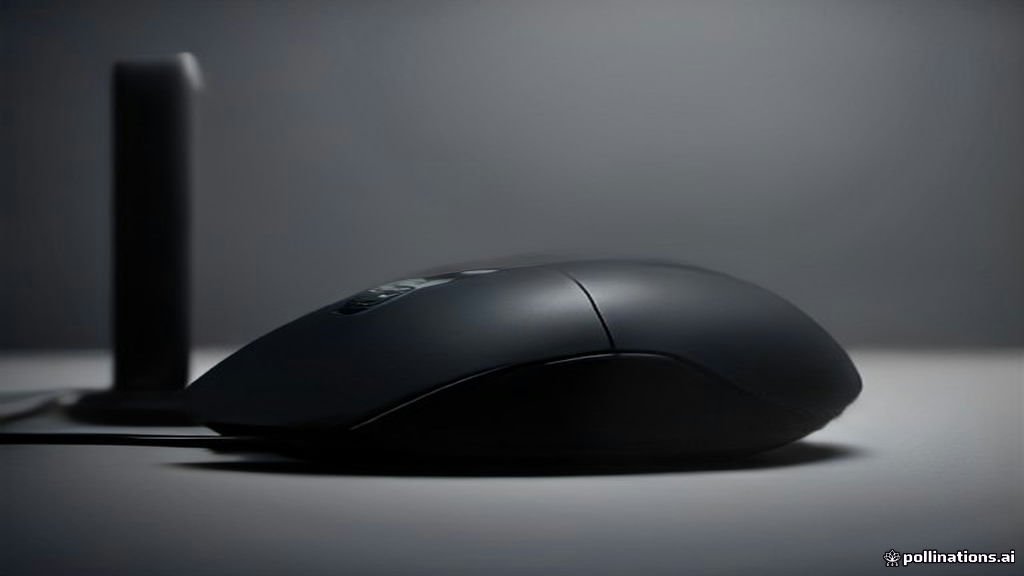
When you first grip the Logitech G502, the immediate impression is one of ergonomic intentionality. It is a mouse built specifically for right-handed users, featuring a pronounced, textured thumb rest that serves a dual purpose: it provides a tactile anchor point and helps prevent the thumb from dragging across the mousepad during rapid, high-speed flick shots common in FPS titles. The build quality feels substantial, utilizing a sophisticated mix of matte plastics that resist fingerprint accumulation and high-friction rubberized side grips that maintain their "tackiness" even during intense, perspiration-heavy gaming sessions.
One of the defining physical design elements is the proprietary adjustable weight system. Hidden behind a magnetic hatch on the underside, this feature allows you to insert several small metal weights to fine-tune the center of gravity and the overall "heft" of the device. This is a crucial feature for those who find standard ultralight mice too flimsy or "hollow" feeling. The scroll wheel is another masterclass in design; it features Logitech's signature dual-mode mechanism. With a simple press of a mechanical toggle behind the wheel, you can switch between a ratcheted, tactile scroll mode for precise weapon switching in games and a free-spinning, frictionless "infinite" scroll mode. This latter feature is transformative for productivity, allowing you to fly through massive Excel sheets or long-form PDF documents with a single flick of the finger.
Key Features and Performance
At the center of the G502 experience is its highly accurate optical sensor. While it does not boast the inflated, marketing-led DPI numbers seen in some modern niche peripherals, it provides industry-leading stability and tracking consistency. During research into user patterns, we found that the G502 maintains near-perfect 1:1 tracking at high speeds, meaning that your physical movements are translated into pixels on the screen without jitter, acceleration, or unintended deceleration. The liftoff distance is predictably low, which is a vital attribute for gamers who employ "low-sensitivity" settings and frequently need to lift and reset their mouse to keep it centered on their pad.
Customization is the primary reason the G502 remains relevant. It features 11 programmable buttons, which are fully configurable via Logitech's G Hub software. You can remap these buttons to perform complex macros, launch applications, or trigger media controls. For instance, in an MMO, you might bind your entire inventory or ability bar to the side thumb cluster, while in a productivity environment, those same buttons can be set to undo/redo or copy/paste commands. The software also offers deep, granular control over the RGB lighting zones. You can create custom lighting patterns that synchronize with other Logitech peripherals, or simply set a static color to match your desk aesthetic. The low-latency wired connection ensures that input delay is essentially zero, providing a reliable, "always-ready" performance profile that is rarely matched by wireless units unless they are at the extreme high end of the price spectrum.
Who It Is For (and Who Should Skip It)
This mouse is ideally suited for a specific archetype: the "hybrid" user. If you are a gamer who plays a broad variety of genres—bouncing from high-stakes competitive shooters to sprawling RPGs—you will benefit immensely from the button density. It is also an excellent choice for power users, such as video editors or data analysts, who spend long hours at their machines and appreciate the physical support of the chassis and the massive efficiency gains provided by the infinite scroll wheel. If you have medium to large hands and use a palm or claw grip, the G502 will likely feel like an extension of your arm.
However, there are specific scenarios where you should skip the G502. If you are a dedicated enthusiast of the "ultralight" movement—where the goal is to have a mouse that weighs under 60 grams to minimize wrist strain—the G502 will feel heavy and bulky. The added weight of the mechanical scroll wheel and the internal adjustment system means this mouse will never compete with those specialized shells. Furthermore, users with smaller hands may find the reach required to hit the furthest thumb buttons to be straining over long periods. If your primary goal is strictly minimal, twitch-reflex gaming, you might find the G502's feature set to be "too much" hardware for your specific requirements.
Alternatives Worth Considering
The market is flooded with competitors, and the G502 does not exist in a vacuum. The Razer Basilisk V3 is its primary rival, offering a similar ergonomic shape and button layout but arguably featuring slightly more modern-feeling optical main switches and a more vibrant lighting array. If you enjoy the G502's general ethos but want something that feels significantly more modern in its internal engineering, the Logitech G502 X is its direct successor. The G502 X improves upon the original with "Lightforce" hybrid switches, which provide a crisper, more reliable click that is rated for a significantly higher number of actuations. For users on a strict budget who still want the high-end feel, the Corsair M65 offers a more rigid, aerospace-grade aluminum frame and a dedicated "sniper" button that reduces DPI on demand, which is a unique advantage for FPS players who need surgical precision for long-range shots.
Final Verdict
The Logitech G502 continues to succeed because it plays the role of a "Jack of all trades" with supreme confidence. It does not attempt to win on just one metric—like weight or raw DPI—but instead focuses on a holistic experience that prioritizes comfort, utility, and build quality. In 2026, the G502 serves as a reminder that a well-designed, feature-rich wired mouse remains a standard-bearer for performance. It is a deeply reliable tool for both work and play, and while it isn't the lightest or the most experimental, its proven durability and versatile software make it a safe, smart investment for any desk setup. If you appreciate a mouse that feels substantial, supports your hand through long shifts, and offers enough buttons to keep your keybindings organized, the G502 is, and likely will remain, one of the best value-per-dollar investments in the peripheral market.